
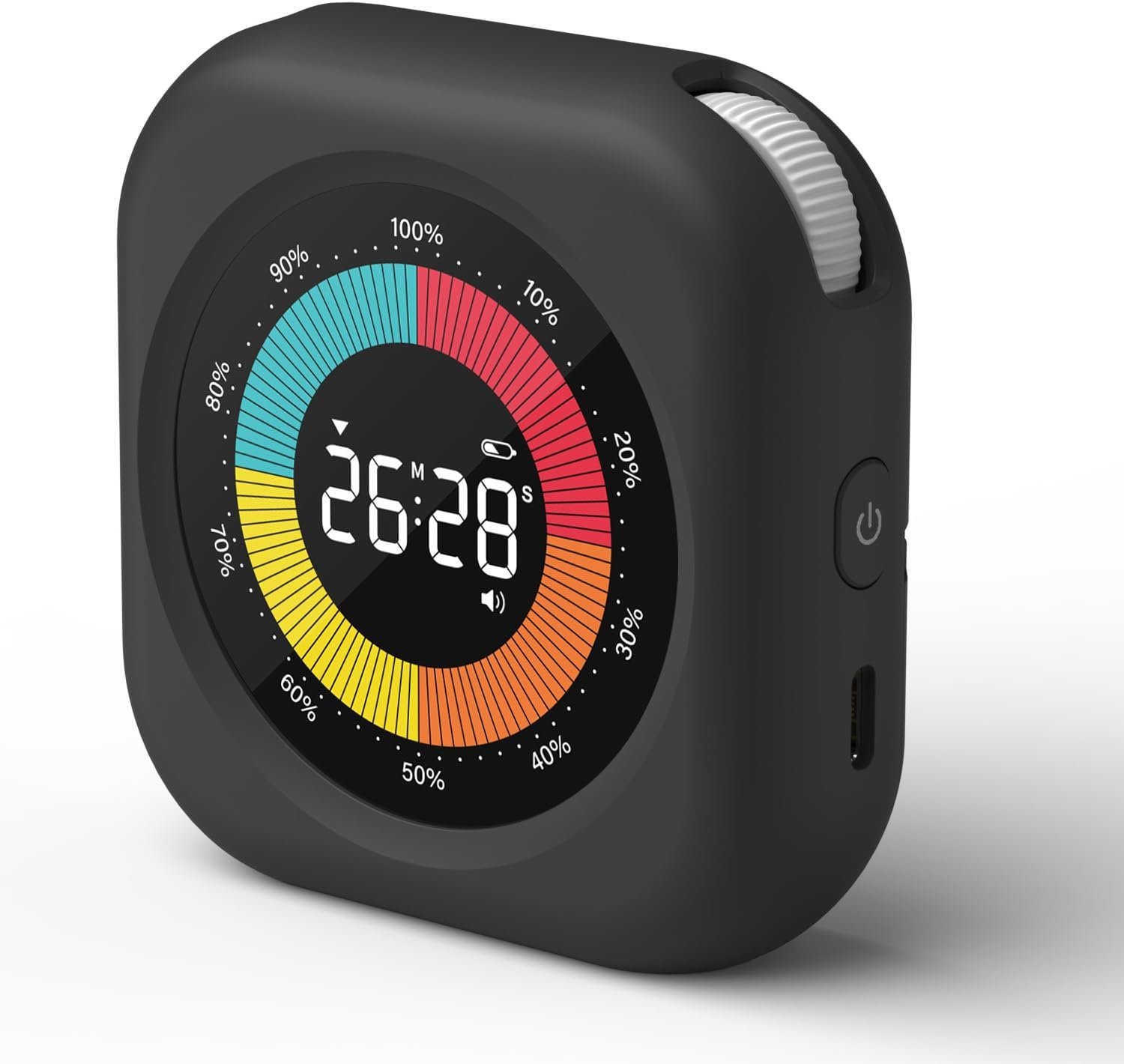
PERSUPER Visual Timer for Kids, Rechargeable 10-Hour Countdown/Up Timer
$15.29
Related Products







Product description

 Are children confused about the concept of time?
This visual timer allows children to clearly see the countdown time and helps them to better understand the concept of time with a visual progress bar indicating the passage of time
 Still struggling with procrastination?
This digital timer helps people plan their time and helps them learn to allocate their time wisely, set time goals, and complete their tasks within the allotted time.
The video showcases the product in use.The video guides you through product setup.The video compares multiple products.The video shows the product being unpacked. Visual Timer for Kids
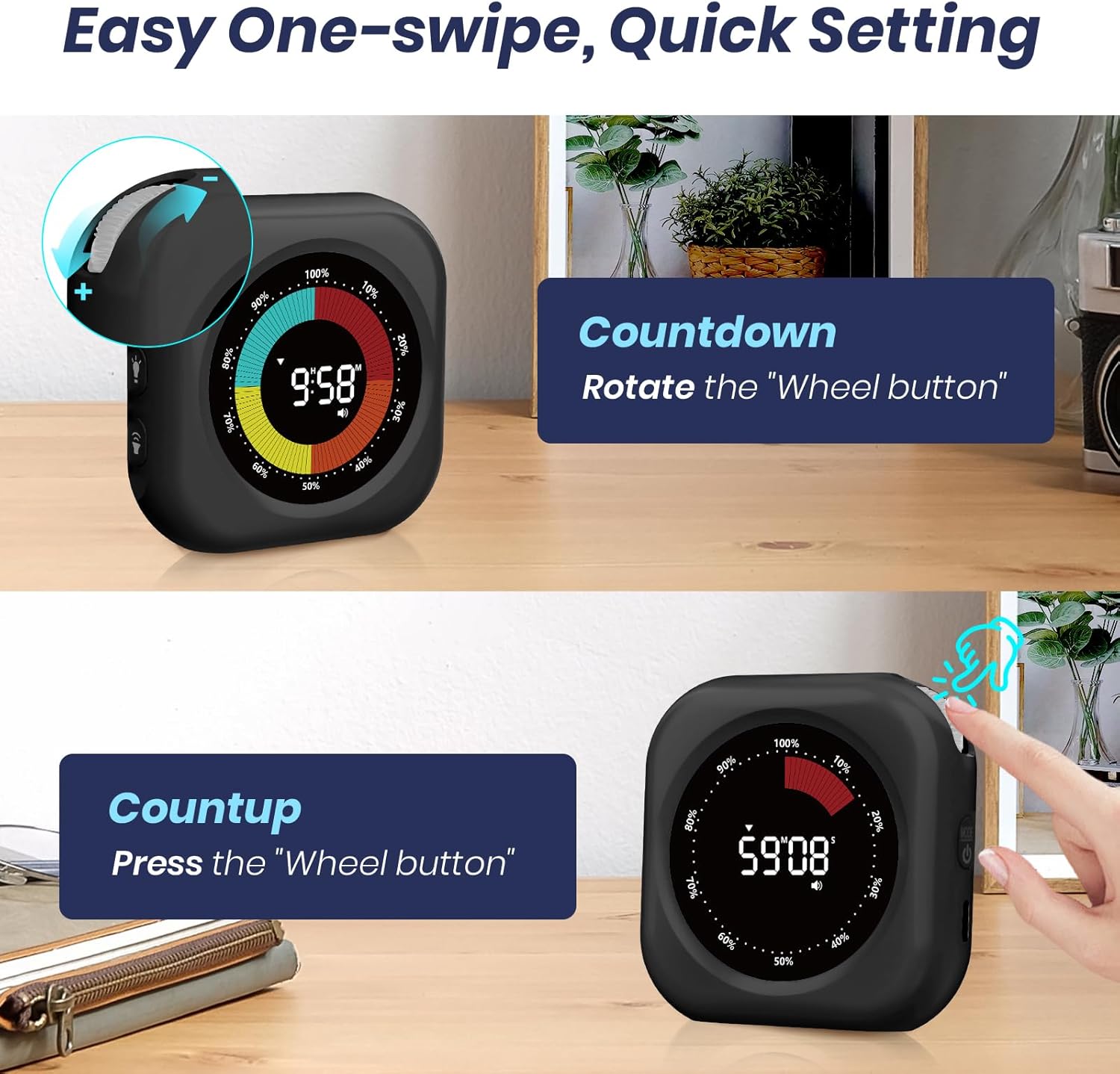
Countdown Setting: Turn both knobs to set the time, then press the knob to turn on the countdown.
Countup Setting: Press and hold the knob to reset the time to 00:00, then press the knob for positive timing.


1 Brightness Setting
2 Rechargeability
3 Placement Method

How the visual timer works?  Step1:
Once charged, press and hold the power button on the right to turn on the timer.
 Step2:
Select the brightness and volume levels that suit you
 Step3:
Turn the knobs on both sides of the timer to set the time, then press the knob to start the timer.
 Step4:
Now that the kids’ timer has started, you can explain to your children what will happen when the time is up.
Wide Range of Uses


Simple Concept: As time passes, the white progress bar on the visual timer disappears counterclockwise. This visual representation helps children better understand the concept of time and improve their time management skills.
Easy to Use: There are knobs on both sides of the timer to adjust the time. Turn up to increase the time and down to decrease it. Press the knob to start the countdown. After resetting to zero, visual timer for kids will count up to show the time exceeded. In addition, it has a positive timing function, under 00:00 time, press the knob to positive timing.(Tip: Press and hold the knob to clear the set time.)
Two Time Modes: This classroom timer offers two display modes – hours and minutes, or minutes and seconds. Simply press the power button briefly to switch between the two modes, enhancing both the accuracy and comfort of your timing.(Tip: Long press the on button to turn on the timer, short press the on button to switch modes.)
No Ticking and Mute Function: Timer for kids has three volume levels – mute, low (70-80 dB), and loud (80-90 dB) – to ensure that it can be used effectively in a variety of situations. Working without a ticking sound, it is perfect for sound-sensitive environments.
2 Brightness Levels and Power-Saving Mode: The digital timer offers two brightness settings—high and low—so you can choose the appropriate level based on the surrounding light conditions to avoid discomfort or difficulty reading the screen. Additionally, it features a power-saving mode where the screen turns off while the timer is running and flashes when the timer ends.
Rechargeable: This kitchen timers has a built-in 800mAh Li-Ion battery that supports Type-C charging, so no extra batteries are needed. The low battery indicator will light up when the battery is low.
Suitable for Many Occasions: The magnetic timer features a large round magnet on the back, allowing it to be easily attached to a chalkboard or refrigerator door. Additionally, it has a stand, so you can place it anywhere you prefer.
13 reviews for PERSUPER Visual Timer for Kids, Rechargeable 10-Hour Countdown/Up Timer
Add a review
$15.29
DMY –
AreYouRichYet –
GJ –
Jeff –
DJ –
Salvador –
Amazon Customer –
GuitarGurl84 –
Jeanna Garrett –
Emilie Chénier –
chantale c. –
Robert Labbe –
Kay Elemenopy –